
Serving a Registered Agent or Corporate Officer is considered a personal service.
Serving an employee is considered a substitute service.
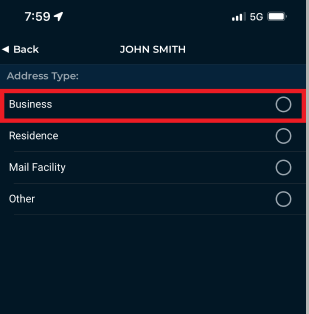
Step 1: Select the "Address Type" - Business
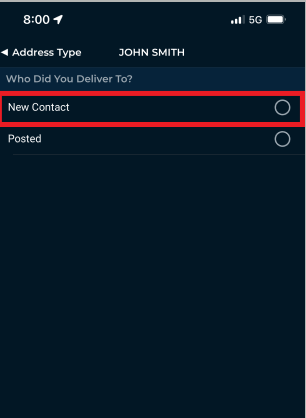
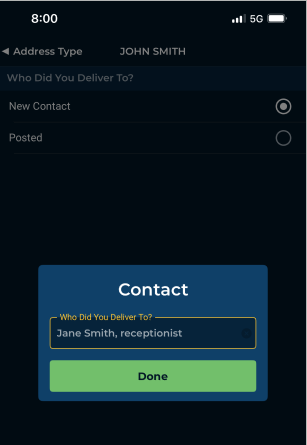
Step 2: Confirm Who You Delivered To
 |
 |
Step 3: Confirm the Relationship to the Subject & If They Are Authorized to Accept

In California: What Relationship Do I Select When Logging A Business Serve?
Person authorized to accept: Select when serving an individual who is accepting the documents for a 3rd party registered agent service (e.g. CT Corporation or Cogency Global)
Employee: Only select when the person is NOT a Corporate Officer, GM, Boss, Person in Charge, etc.
Still Got Questions?
Check out Understanding Serving a Business & Common Questions About Serving Businesses